Key Considerations
- Residential, ISP, and mobile proxies are the safest choices for X. They look closer to normal user traffic than datacenter IPs.
- Stable sessions matter as much as clean IPs. Changing location or IP type mid-login can trigger verification loops, rate limits, or account locks.
- Free proxies are not worth the risk. They’re often slow, overused, unstable, and unsafe for account management or scraping.
X is not the same platform it was a few years ago. Since its post-Musk transformation, the platform has become stricter with rate limits, login walls, browser fingerprinting, and suspicious activity checks. Whether you call it Twitter or X, the result is the same: automation is harder, scraping is more sensitive, and managing multiple accounts from one device or IP can quickly lead to warnings, verification requests, or bans.
That’s why Twitter proxies have become essential for marketers, researchers, social media managers, and developers who work with X at scale. A good Twitter proxy helps separate accounts, keep sessions stable, access location-specific content, and collect public data without sending every request from the same IP address.
However, not every X proxy is built for the same job. Some are better for scraping, others for account management, and some should only be used for testing. This guide explains how X detects risky proxy traffic, which proxy type to choose, and which providers are worth considering in 2026.
Why X (Twitter) blocks proxies and how its detection works
X blocks proxies because many abusive actions come from automated traffic. Spam, fake engagement, mass account creation, aggressive scraping, credential stuffing, and bot networks often rely on proxies to hide their origin. So, X uses several layers of detection to separate normal users from suspicious sessions.
IP reputation
If an IP has been abused before, appears on blacklists, belongs to a known datacenter ASN, or sends too many similar requests, it can be flagged quickly. This is one reason why cheap Twitter proxy server lists often stop working after a few days.
Rate limiting
When too many actions are made from a single account, IP address, or API token, X may return a 429 rate limit error. This means the request window has been exceeded. Proxies can help distribute traffic more naturally, but they are not a magic way to ignore platform limits. The goal is to avoid overloading one IP or session, not to spam requests more quickly.
Browser and JavaScript fingerprinting
X is a modern single-page application, so the browser loads dynamic content, runs scripts, and exposes many signals. These include device type, timezone, fonts, screen size, WebGL data, language settings, cookies, and interaction patterns. If your browser fingerprint says “real user in Canada” but your IP location says “datacenter in Germany,” that mismatch can trigger checks.
Behavioral analysis
X watches how accounts act. Do they follow hundreds of profiles in minutes? Do they log in from five countries in one day? Do they scroll, pause, click, and post like real users? Even the best proxy for Twitter automation can’t protect an account that behaves unnaturally.
This is why mobile proxies often perform so well. Many mobile users share IPs through carrier-grade NAT (CGNAT), meaning dozens or even thousands of real users can appear behind the same carrier IP. Since this is normal for mobile networks, mobile IPs often have stronger trust signals than datacenter IPs. Read this guide about what is a mobile proxy.
Choosing the right proxy type for Twitter
The best Twitter proxy depends on your use case. Scraping, account creation, profile warm-up, and multi-account management all need different levels of stability, rotation, and trust.
Rotating residential proxies
Residential proxies are the best option if you want to scrape Twitter data with proxies. They route traffic through real residential IPs and rotate them automatically, making it easier to spread requests across a larger pool.
They work well for public data collection, brand monitoring, trend tracking, sentiment analysis, hashtag research, and competitor research. When scraping X, the main challenge is avoiding repeated requests from the same IP. A rotating pool helps reduce the chance of hitting a rate limit error 429 too quickly.
For larger scraping projects, rotating residential proxies are especially useful when combined with smart request pacing, realistic headers, cookie handling, and retry logic. Some developers also use syndication endpoints or public embed-style routes where available, but those should still be accessed responsibly and within legal and platform limits.
The downside is that rotating IPs are not ideal for logged-in account sessions. If your account logs in from one IP and then suddenly performs actions from another, X may ask for verification. So, use rotating residential proxies for scraping public pages, not for long-term account control. Read this guide If you are wondering what is a residential proxy.
Static residential (ISP) proxies
Static residential proxies, also known as ISP proxies, are a strong choice for account management. They combine the stability of datacenter proxies with the trust profile of residential IPs.
For X, that stability matters. If you manage multiple accounts, you want each account to have a consistent IP, location, timezone, and browser fingerprint. A static IP helps maintain sticky session persistence, so X sees the same account returning from the same environment.
This is why a private proxy for X automation usually means an ISP proxy or a dedicated residential IP. It gives you a stable identity for each account without the constant changes that can trigger verification loops.
A good setup is simple: one account, one proxy, one browser profile. If the account is US-based, use a US IP, US timezone, and English browser language. If it’s UK-based, keep everything UK-aligned. Geo-consistency is one of the easiest ways to reduce suspicion.
The drawback is cost. ISP proxies usually cost more than datacenter proxies, especially if you need many of them. Still, they are often worth it for long-term account safety.
Mobile 4G/5G proxies
Mobile proxies are usually the safest choice for sensitive X workflows. They use real 3G, 4G, LTE, or 5G carrier networks, making the traffic appear to come from regular mobile users.
This makes them useful for account creation, early profile warm-up, app testing, and cases where you need high trust. Because mobile networks use CGNAT, many legitimate users share similar IP ranges. As a result, it’s nearly impossible for platforms to treat every shared mobile IP as suspicious.
Mobile proxies also work well when you need to access X from a mobile-first environment. If you’re testing how content appears in specific countries or on mobile connections, they can give more realistic results than desktop datacenter IPs.
The main drawback is price. Mobile proxies are usually more expensive than residential, ISP, or datacenter proxies. They may also be slower because mobile networks are less predictable. For scraping at scale, they can become costly. If you need account creation and warm-up, though, they are often the premium choice.
Datacenter proxies
Datacenter proxies are fast, cheap, and easy to scale. They are useful for low-risk testing, basic access checks, QA workflows, and non-sensitive tasks.
However, they are usually the weakest choice for X accounts. X can quickly identify many datacenter ASNs, and its SPA architecture collects enough browser and session signals to make mismatches obvious. If the IP says “cloud server” but the behavior says “logged-in personal account,” the session can look suspicious.
That doesn’t mean datacenter proxies are useless. They can still be helpful for testing scripts, checking page availability, or running lightweight tasks that don’t involve valuable accounts. But for serious X proxies, residential, ISP, or mobile options are safer.
The best Twitter (X) proxy providers reviewed
Here’s a quick comparison of three providers worth considering for X workflows in 2026.
MarsProxies
Residential, ISP, datacenter, mobile
Best overall balance for X scraping and account management
Residential PAYG from $4.99/GB, ISP from $2.79/IP, datacenter from $1.98/IP, mobile from $8.49/day
195 countries, real residential IPs, dedicated ISP and datacenter options
Decodo
Residential, static residential, mobile, datacenter
Large-scale scraping and advanced proxy users
Residential PAYG from $4/GB, static residential from $3.33/IP, datacenter from $0.6/GB or $1.85/IP, mobile PAYG from $4/GB
Large IP pool, browser extensions, proxy checker, scraping tools
Infatica
Residential, mobile, ISP, datacenter
Flexible data collection and mixed proxy workflows
Residential PAYG from $4/GB, ISP from $3/IP, datacenter from $1.5/IP, mobile PAYG from $8/GB
Residential, mobile, static, datacenter, proxy rotation, web scraping APIs
MarsProxies
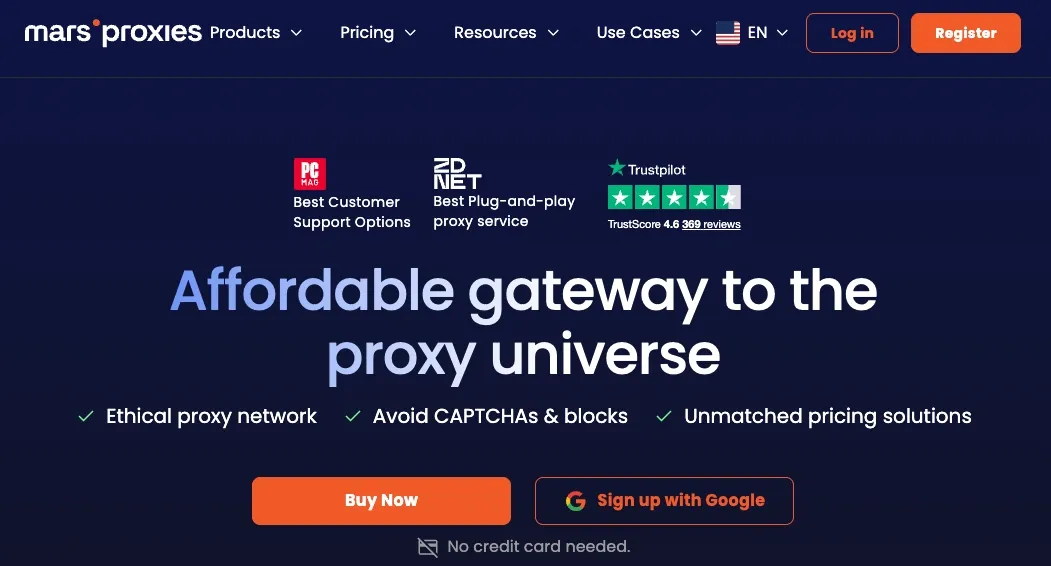
MarsProxies is the strongest all-around option for users who want X proxies without overcomplicating the setup. We offer the main proxy types needed for Twitter workflows: residential proxies for scraping, ISP proxies for stable account sessions, datacenter proxies for testing, and mobile proxies for higher-trust mobile traffic.
The ideal use case is mixed X work. For example, you can use residential proxies to collect public data, ISP proxies to manage accounts, and mobile proxies to warm up new profiles. This flexibility makes MarsProxies a practical choice for agencies, social media teams, researchers, and automation users.
MarsProxies’ biggest strength is value. The pricing is more competitive compared to many premium providers, especially for users who need reliable proxies without enterprise-level commitments.
Larger teams may still need careful setup. Proxies reduce risk, but they don’t replace good account hygiene, anti-detect browser profiles, or smart automation limits.
Pricing snapshot:
- Residential proxies from $4.99/GB (lowest price $1.65/GB)
- ISP proxies from $2.75/IP (lowest price $1.35/day)
- Datacenter proxies from $1.98/IP (lowest price $0.89/day)
- Mobile proxies from $93IP (lowest price $2.83/day)
Decodo
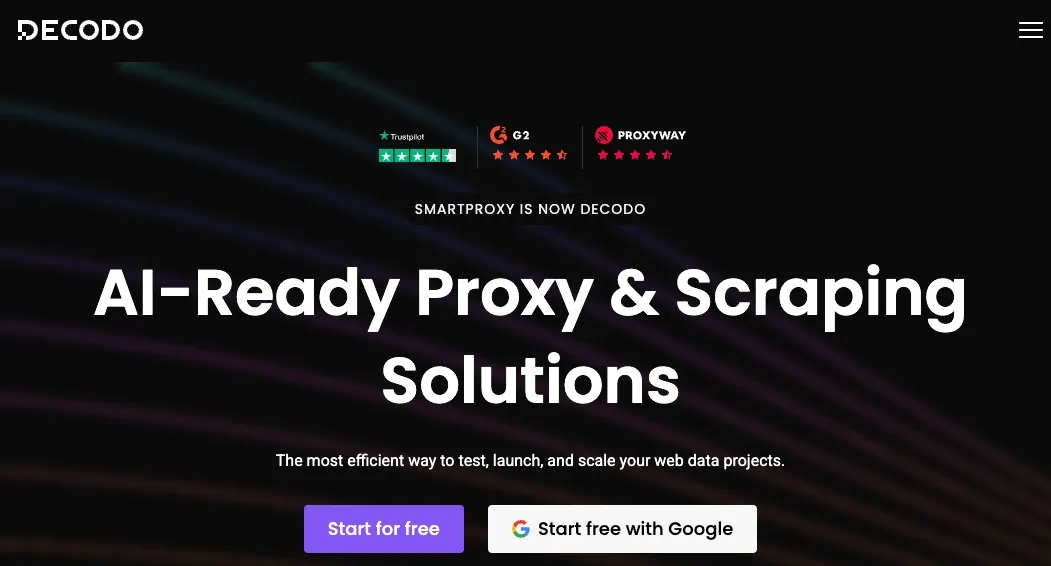
Decodo, formerly known as Smartproxy, is a well-known provider with residential, static residential, mobile, and datacenter options. It’s a solid choice for users who need scale, advanced targeting, and additional tooling.
For X, Decodo is best suited for larger scraping workflows and teams that want access to proxy management tools. Its residential proxies can support data collection, while static residential proxies can help with stable sessions. The provider also offers browser extensions and proxy testing tools, which can be useful for less technical users.
The biggest strength is infrastructure. Decodo has a large network, flexible plans, and strong documentation. It’s also a good option for users who want to test different proxy types before choosing a long-term setup.
The drawback is that the pricing structure can be less simple for beginners. Depending on the proxy type, bandwidth, and billing model, costs can vary. Smaller users may need some time to determine which plan fits their X workflow best.
Pricing snapshot:
- Residential proxies from $4/GB (lowest price $2/GB)
- Static residential proxies from $3,33/IP (lowest price $0.27/IP)
- Datacenter proxies from $1.85/IP (lowest price $0.02/IP)
- Mobile proxies from $4/GB (lowest price $2.25/GB)
Infatica
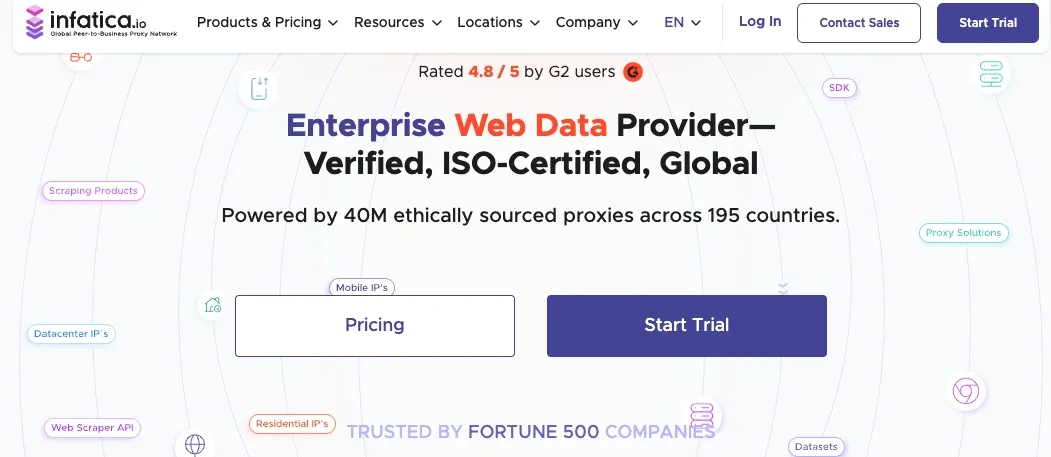
Infatica is another provider offering residential, mobile, ISP, and datacenter proxies. It focuses on web data collection and flexible proxy access, making it suitable for users who need more than one proxy type.
For X, Infatica is best for data collection teams, researchers, and users who want residential or mobile proxies with rotation options. It also offers web scraping APIs, which may be useful for teams that don’t want to build every part of their scraping stack from scratch.
Its main strength is variety. You can choose between residential traffic, mobile IPs, ISP proxies, and datacenter options depending on your task. This makes it suitable for users who need to test different approaches.
The drawback is that some workflows may require more technical setup. If you’re looking for the simplest plug-and-play option, you may need support or documentation to configure everything properly.
Pricing snapshot:
- Residential proxies from $4/GB (lowest price $2.6/GB)
- ISP proxies from $3/IP (lowest price $1.95/IP)
- Datacenter proxies from $1.5/IP
- Mobile proxies from $8/GB (lowest price $4/GB)
Multi-account management: how to stay safe on X
If you manage multiple X accounts, proxies are only one part of the setup. The goal is to make every account look like a separate, consistent user.
Start with one IP per account. Don’t run ten accounts through the same proxy for Twitter. If one account gets flagged, the others may be linked. Dedicated ISP proxies are usually the best fit here because they stay stable over time.
Next, use an anti-detect browser such as AdsPower or Multilogin. These tools create separate browser profiles with unique cookies, fingerprints, local storage, and device settings. The proxy and browser profile should always match. For example, a German proxy should use a German timezone and a realistic German browser environment.
Keep the same setup for every login. Don’t log into the same account from a mobile proxy today, a US datacenter IP tomorrow, and a European residential IP the next day. That pattern looks risky.
Warm up new accounts slowly. Add profile details, follow a few relevant accounts, scroll naturally, like posts gradually, and avoid heavy posting or following in the first days. If you’re researching how to avoid Twitter account suspension with proxies, the answer is simple: use clean IPs, keep sessions consistent, and don’t automate actions aggressively.
Manage Multiple X Accounts Without Bans in 2026
Get ISP proxiesBypassing X geo-restrictions
Some users need proxies for X.com because the platform may be blocked at school, work, or in certain countries. Others need to check how content appears in different locations.
A proxy can help unblock Twitter by routing your connection through a country where X is accessible. This can be useful for basic browsing, content checks, research, or testing. For example, users may want to access X in countries where it’s blocked or view region-specific posts and trends.
For desktop browsing, a Twitter proxy extension for Chrome or Firefox can be convenient. These extensions let you switch proxy settings without changing your whole system configuration. For mobile devices, Android and iOS proxy apps can help route X traffic through a selected proxy.
However, always check local laws and platform rules before using proxies to access restricted services. A proxy can change your connection route, but it does not remove legal or policy obligations.
Free vs. paid Twitter proxies - Why free is a bad idea
Free proxies sound tempting, especially if you only need a cheap Twitter proxy server for quick access. In practice, they are usually a bad idea.
Most free proxies are overloaded. Many users send traffic through the same IPs, which means those IPs are often burned, blacklisted, or blocked. Session stability is also poor. Your IP may change without warning, the connection may drop, or the proxy may stop working during login.
The biggest risk is security. Free proxies can log traffic, inject ads, steal credentials, or expose your sessions. Using a free proxy for a valuable X account is not worth it.
Paid X proxies are safer because they offer better IP quality, more stable sessions, support, and predictable performance. If you need to buy Twitter proxy access for scraping, account management, or geo-testing, choose a reputable provider instead of gambling with free lists.
Conclusion
X has become much stricter with automation, scraping, and multi-account behavior. IP reputation, browser fingerprints, rate limits, login patterns, and account behavior all matter. That’s why choosing the right Twitter proxies is no longer optional for serious workflows.
For scraping public X data, rotating residential proxies are usually the best choice. For managing accounts, static residential or ISP proxies offer the stable identity you need. For account creation and warm-up, mobile proxies provide the strongest trust signals. Datacenter proxies are fast and cheap, but they should be reserved for low-risk testing.
If you want a balanced option for X scraping, account management, and everyday proxy use, MarsProxies is a strong place to start. With residential, ISP, mobile, and datacenter proxies available, you can build the right setup for your workflow without overpaying or overcomplicating things.