A web crawler, also called a spider, is a software designed to access websites on the World Wide Web, discover and download specific content, and index it automatically. This software is predominantly used by search engines, such as Google, to index and rank websites, and provide the best results for user queries.
Right now, crawling the web to train Large Language Models (LLMs) is the main use case. Although both processes use similar technology, they are distinct in meaningful ways. AI web crawlers extract a lot of training-specific data, often taking a whole snapshot of the website.
Standard crawlers focus on what the website is, its metadata, and its linking structure. There are also SEO crawlers that focus on keywords, content gaps, broken backlinks, and missing metadata.
Developer and cloud crawling tools can be tailored to target heavily protected websites and handle JavaScript rendering. Simultaneously, they can be customized for unique data extraction needs, usually for large enterprises.
In this guide, we will list the 10 best current web crawlers and explore each category. If you need to extract data but are unsure which tool suits you best, this guide will help you pick the right one. If you are interested in web crawlers vs web scraping read our guide here.
Best web crawlers compared
Screaming Frog
Technical SEO audits
Desktop client
Up to 500 URLs free version
Native support
$279/license/year
Steep learning curve
Scrapy
Large-scale complex web scraping, LLM training
Open-source developer framework
Free
No native support
-
Dependency on third-party add-ons
Apify
Scraping major commercial platforms, LLM training
SaaS and PaaS models
Offers free $5 on Apify Store
Native support
$29/month + $0.3 per compute unit (1GB RAM x 1 hour runtime)
Pricing per compute unit
Octoparse
No-code scraping
Desktop client
Free plan with limited 10K data row export
Native support
$69/month
Device resource consumption
ParseHub
Scraping dynamic websites
Desktop client
Free plan limited to 200 pages per run
Native support
$189/month
Gets slow on large-scale projects
Sitebulb
Website SEO optimization
Web-based and desktop client
14-days free trial
Native support
$125/month
Consumes a lot of device resources
Oncrawl
Log file analysis
Web-based platform
Demo scheduling
Native support
Undisclosed
Expensive service
Diffbot
AI training with pre-made datasets
Web-based platform
Free version for limited data extraction
Native support
$299/month
Steep learning curve, expensive service
WebHarvy
Small team and personal projects
Windows client
15 days free trial
Native support
$99 one time payment
Windows-only client
Zyte
Data gathering via APIs
Web-based platform
Offers free trial limited to $5
Native support
From $0.06 to $1.27 per 1,000 requests
Complicated pricing plans
The best web crawlers reviewed
Now, let's take a closer look at each tool's web crawling capabilities, including pros, cons, pricing, and what it's best for.
1. Screaming Frog - best for technical SEO audits
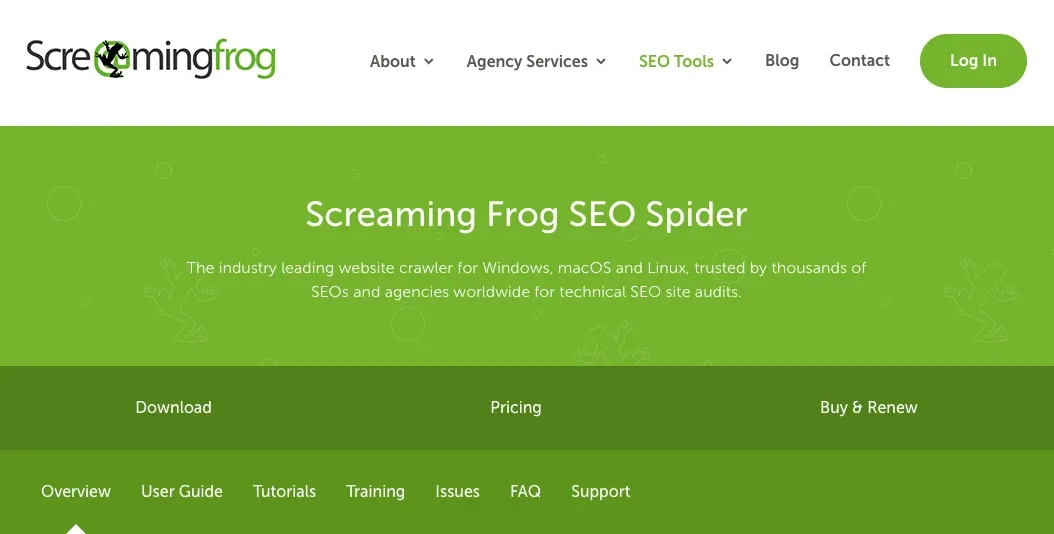
Screaming Frog uses XPath, CSS, and regex selectors to extract required data. It handles JavaScript rendering very well and provides a clear visual representation of your website's structure. It doesn't use the cloud and runs locally on your device.
Best for: This is one of the most powerful SEO spiders that helps spot broken links, keyword gaps, analyze redirect chains, and improve overall website rankings on SERP.
Pros:
- Provides APIs for AI tools like Gemini, OpenAI, and Anthropic
- Bypasses cloud-related expenses
- Very efficient and fast website crawling
- Informative page titles, headers, and duplicate content optimization suggestions
Cons:
- Requires experience with similar tools
- Does not offer monthly plans
- Consumes device resources, making it slow on older hardware
Pricing and free version: This tool offers a genuinely free version to crawl up to 500 URLs. Advanced JavaScript support, page speed optimization, and numerous other benefits require a paid subscription. It starts from $279 per license per year, but buying 5 or more licenses offers discounts.
Why it stands out: Exceptionally fast crawling speed, scaling, and highly detailed insights form the core of Screaming Frog's strengths.
2. Scrapy - best open-source web crawler for developers
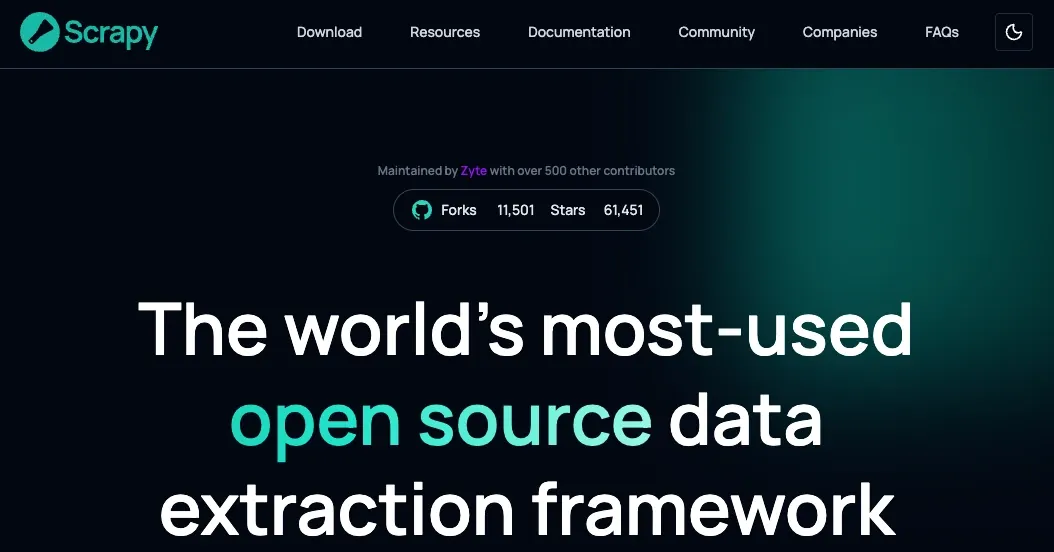
Scrapy supports automatic proxy rotation via middleware (or proprietary code), custom data collection rules with XML, CSV, and JSON exports, data cleaning and validation, and numerous add-ons (Playwright, Puppeteer, and more).
Best for: Scrapy is the best open-source web crawling tool for developers. It’s highly scalable thanks to its asynchronous engine. It's best for extracting vast amounts of data, which is now essential for LLM training.
Pros:
- Handles highly complex web scraping tasks
- Supports add-ons for browser rendering
- A free and open source tool
- Active GitHub and Stack Overflow community support
- Elaborate customization options
Cons:
- Has a steep learning curve
- Requires Python knowledge
- Unsuited for beginners
- Typically requires middleware for the best results
Pricing and free version: Scrapy is entirely free under the BSD license. However, if you need additional tools like Apify scrapers or rotating proxies, you must pay for third-party services.
Why it stands out: It's a developer-first software, providing vast customization options. Scrapy is excellent for large-scale web scraping and crawling, and allows code reuse to save time and human resources on future projects.
3. Apify - best cloud web crawler for automation
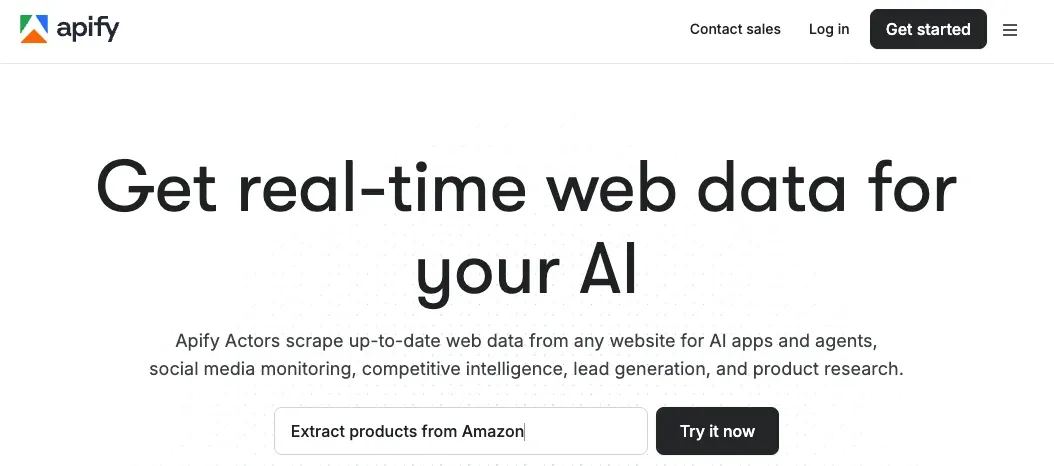
Apify's essential benefit is the massive repository of pre-built actors, which is how it calls its web scrapers. It claims to have over 25,000 of them optimized for lead generation, e-commerce data extraction, SEO analysis, and more. It also maintains an open-source web scraping and crawling library, Crawlee.
Best for: no-code crawling and scraping major platforms (Amazon, Instagram, etc.), built-in proxy management, and high-volume data collection for LLM training.
Pros:
- No-code tool
- 25,000 pre-built scrapers
- Maintains Crawlee web crawler
- Works with major e-commerce platforms
- Provides proxy services
- Native JavaScript support
Cons:
- Has a steep learning curve
- More challenging compared to similar no-code tools
- Complex pricing policy
- Very limited free plan
Pricing and free version: Apify offers a free $5 per month, but that's very limited. Paid plans start from $29/month + pay-as-you-go for compute units. One compute unit equals 1GB of RAM running for 1 hour, so calculating the exact costs is tricky.
Why it stands out: Apify's ecosystem for online data extraction is its exceptional approach. Developers can customize crawlers with code, but non-programmers can learn using pre-built actors within a few hours.
4. Octoparse - best no-code web crawler for beginners
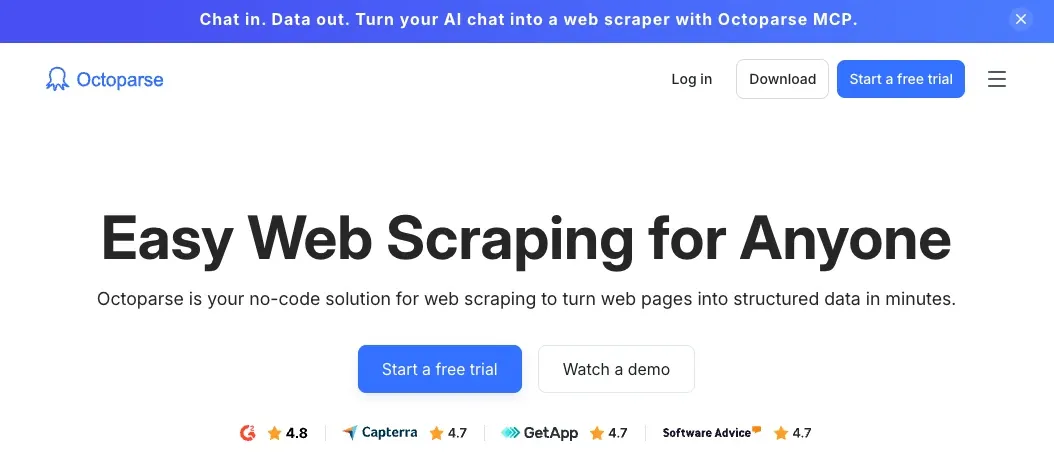
If you lack web crawling or web scraping experience, you can still do it with Octoparse. It's a beginner-friendly desktop application that offers a point-and-click interface. Octoparse easily turns complex websites into structured elements you can extract with a single mouse click.
Best for: no-code scraping, data visualization, price monitoring, and lead generation.
Pros:
- Offers residential proxies
- Supports task scheduling
- Up to 40+ concurrent cloud processes
- No-code and beginner-friendly
- Data to cloud backups
- Point-and-click interface
Cons:
- Consumes device resources
- Limited customization options
- Short money-back guarantee (5 days only)
Pricing and free version: Octoparse offers a free version with unlimited page scraping but limits data extraction to 10k rows. The paid version removes the limitations and starts from $69/month, while large enterprises can contact them directly to negotiate better prices.
Why it stands out: Octoparse stands out because it is one of the few web crawling and web scraping services that are available to everyone. You can start scraping within an hour, and within a week of dedicated learning, you will learn to use its selectors to scrape well-protected websites.
5. ParseHub - best for dynamic websites
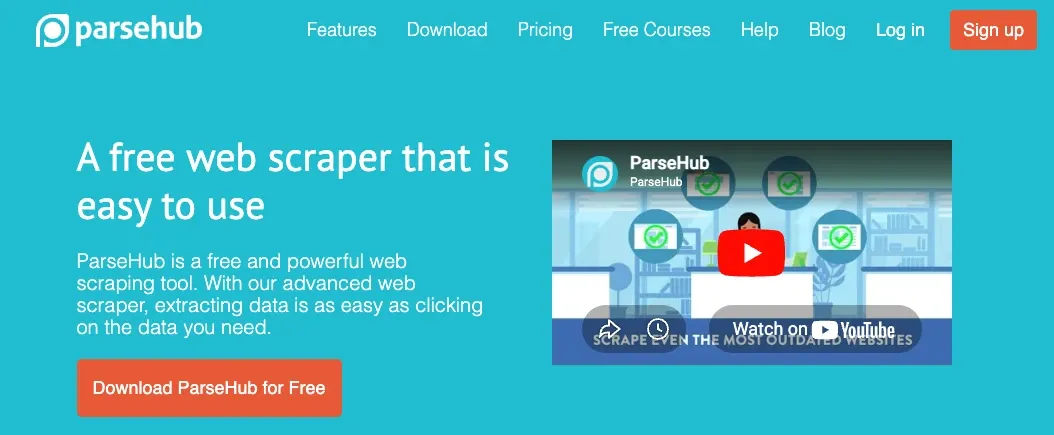
ParseHub, similarly to Octoparse, is also a no-code scraper optimized for handling dynamic content. Although it struggles with tightly protected data, it is particularly good at handling JavaScript-heavy websites.
It offers a point-and-click interface, making it another great choice for beginners. Also, Linux professionals will find a native GUI, rarely seen in other scrapers on this operating system.
Best for: scraping dynamic websites, simulating user actions, and rotating IP addresses, working on Linux.
Pros:
- Beginner-friendly
- Exceptional dynamic content scraping
- Point-and-click interface
- Offers Linux client
- Mimics user actions
- Built-in IP rotation
Cons:
- Expensive service
- Limited free version
- Slower compared to others
- Consumes device resources
Pricing and free version: The free ParseHub version is limited to 200 pages per run. Keep in mind that it considers a new page each time it has to render new data, so you can run out of free pages on a few URLs. It is also one of the most expensive web scraping services, starting from $189/month, but large enterprises can contact them directly for custom pricing.
Why it stands out: Native Linux application is one of its standout features. Also, ParseHub understands website structure very well, so its point-and-click interface is highly accurate.
6. Sitebulb - best for visual SEO crawling
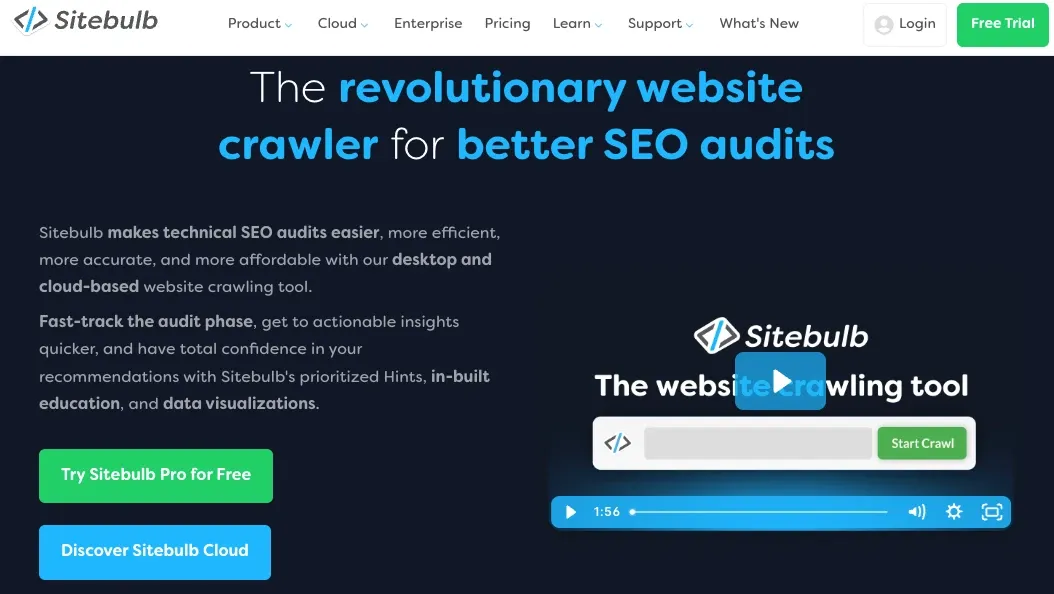
Sitebulb is an SEO web crawler launched in 2017. It has an informative, neatly organized interface. SEO often displays a lot of data, and Sitebulb is excellent for organizing it smartly. Alongside SEO, it also checks website security state, performance issues, and has an XML sitemap generator.
Best for: technical SEO audits, visual SEO data representation, learning, and mastering SEO.
Pros:
- Excellent data visualization
- Organizes SEO suggestions by groups
- Built-in JavaScript rendering support
- Offers a free trial
- Does not monetize JavaScript rendering
Cons:
- Consumes device resources
- No free version
- Slightly restrictive Lite version
- Large-scale crawling is expensive
Pricing and free version: Unlike most competitors, Sitebulb does not have a free version. Instead, it offers a 14-day free trial. Also, large-scale crawling consumes a lot of device resources, and a cloud-based solution is only available on the most expensive plan.
Why it stands out: Actionable SEO tips are the strongest Sitebulb selling point. It also organizes them into topic-based groups, making it particularly easy to optimize your website’s SEO. Sitebulb is updated very frequently, so it maintains highly accurate keyword data.
7. Oncrawl - best for enterprise technical SEO
This is another SEO crawler focused on enterprise-scale crawling of challenging websites. If you need to crawl thousands of e-commerce or social network pages, Oncrawl is one of the best choices. On its website, you will notice that it doesn't display any pricing information. That’s because it’s a business-oriented solution for extensive projects with custom costs.
Best for: enterprise-scale SEO audits, crawling challenging websites, and log file analysis.
Pros:
- Scalable SEO crawling
- Handles strictly protected websites
- Google Search Console integration
- Website SEO change alerts
- Business-oriented tool
- Log file analysis
Cons:
- Unsuited for personal use
- Does not display pricing
- No free version
Pricing and free version: Oncrawl is the only tool on this list that does not display pricing. It does not offer a free version - you must book a demo to try it out. Contacting the company directly is the only way to know the real costs.
Why it stands out: Log file analysis is a highly appreciated Oncrawl feature. Whenever a search engine bot crawls your site, this tool records all steps to later provide a visualized analysis.
8. Diffbot - best for structured data extraction
Diffbot markets itself as a web data gathering tool for your AI. It has a Knowledge Graph that includes over 246 million companies and non-profits, and over 1.6 billion news articles, press releases, and blog posts. With this tool, you no longer have to scrape - the process is already handled for you. Simultaneously, it uses a headless browser to streamline data gathering, expanding its use cases.
Best for: AI and LLM training, data science, massive database building, and business data gathering.
Pros:
- A vast Knowledge Graph
- Uses Natural Language Processing to grab data
- Offers a speedy API
- Supports Markdown output to train LLMs
- Understands all human languages
- Has a free version
Cons:
- Very expensive service
- Has a steep learning curve
- Uses datacenter proxies for scraping
Pricing and free version: It's a plus that Diffbot offers a free version, though it doesn’t include crawling features. The paid version starts at $299/month, so the service is among the most expensive ones. You can also use the free trial, but you must request it by submitting a form.
Why it stands out: Diffbot is an API-centric tool. Its API is fast, but it may struggle to overcome highly restricted websites. On the other hand, its vast collection of datasets is ready for immediate use.
9. WebHarvy - best desktop crawler for simple scraping
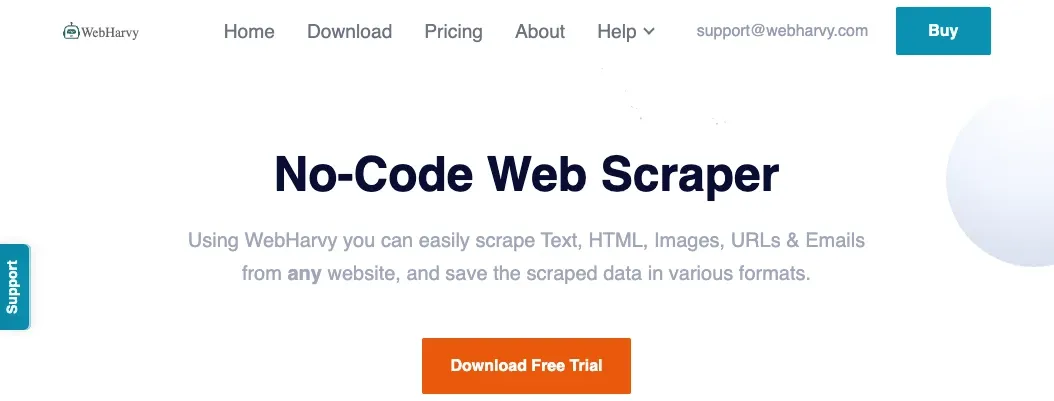
WebHarvy is an excellent no-code scraper with a point-and-click interface. Launched in 2011, it is one of the first tools with this approach. It offers a desktop client, but there are no mobile apps. Also, you can run it on a cloud to save device resources, but it requires advanced setup.
Best for: no-code scraping, individual and small team projects, scraping on Windows devices.
Pros:
- One-time payments (no subscription)
- Beginner-friendly scraper
- Mimics user actions
- Point-and-click interface
- Supports Excel, XML, CSV, JSON, and TSV formats
Cons:
- Windows-only application
- Consumes device resources
- Struggles to bypass Cloudflare protection
Pricing and free version: WebHarvy is the only tool on this list that does not require subscriptions with recurring payments. You pay for it once, starting from $99 for one user license, and you can use the software indefinitely. It also offers a 15-day free trial.
Why it stands out: One-time payments set WebHarvy apart from the competition. What's more, the prices are very moderate, so individuals looking for a web crawler and scraper for personal projects should consider WebHarvy as their primary choice.
10. Zyte - best for managed web crawling and extraction at scale
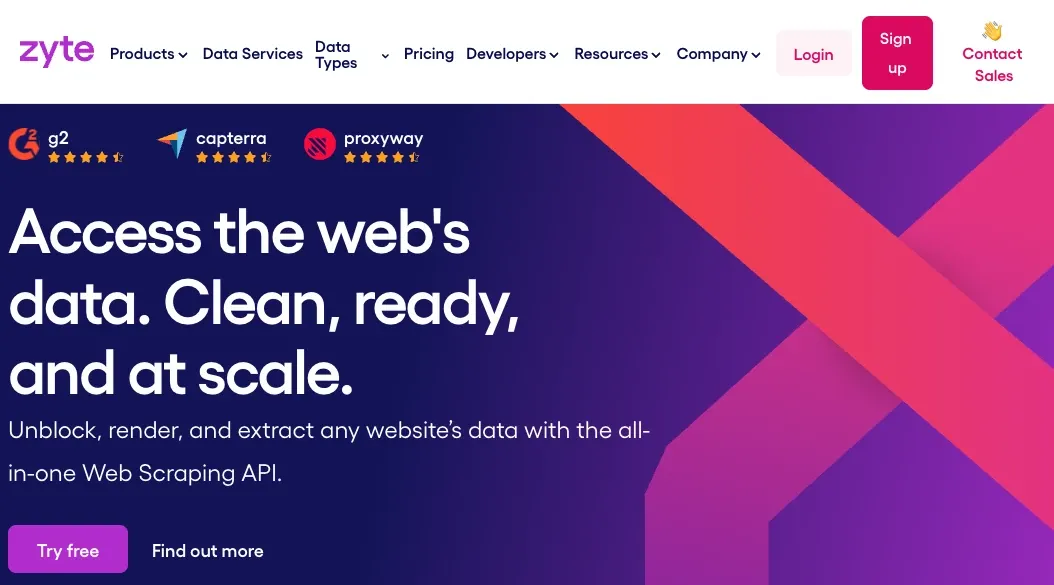
Zyte finalizes our list with over 15 years of experience working with online data. It is very well rated on software review sites like G2 and Capterra. It also offers multiple products, like Zyte API headless browser, AI extraction, and a web scraping assistant.
Best for: data gathering via APIs, bypassing anti-bot protection, projects that involve the Python Scrapy framework.
Pros:
- Offers multiple APIs
- Built-in IP rotation
- Efficiently solves CAPTCHA challenges
- Offers a free trial
- JavaScript rendering via headless browser
Cons:
- Complex pricing plans
- Has a learning curve
- Unsuited for small and personal projects
Pricing and free version: Firstly, Zyte offers a free trial, but it is limited to $5 credits, so it only gives a hint of its capabilities. Its paid version uses a pay-as-you-go model with a minimum commitment of $100, and prices range from $0.06 to $1.27 per 1,000 requests.
Why it stands out: Although Zyte requires strong crawling and scraping skills, it aims to do the heavy lifting for you. Its APIs handle IP and browser fingerprint rotation, and it complies with data security regulations to avoid unnecessary risks.
Which type of web crawler do you need?
As you can see, all 10 services have distinct orientations. Whichever you choose depends on your goals, and we can separate these tools into three broad categories.
SEO crawlers
SEO crawlers extract data to optimize your website and make it rank better on Google SERP. Our top pick, Screaming Frog, is an excellent SEO scraper. These tools gather keywords, identify content gaps and duplications, and efficiently map a website's linking structure.
Almost all businesses with an online presence use SEO to drive more traffic to their websites. SEO crawlers automate this process and allow you to inspect competitors' SEO strategies to evaluate their successes and failures.
Data extraction crawlers
Data extraction crawlers, or web scrapers, are perfect for gathering large datasets, especially useful for AI training. You will often encounter scraping APIs that handle IP and browser fingerprint rotation, solve CAPTCHA challenges, and avoid anti-bot detection.
You will also find no-code crawlers with a point-and-click approach. These tools are generally beginner-friendly, so even non-developers can start scraping after a brief introduction to the chosen tool. Keep in mind that they aren't as customizable, so if you require a business-specific solution, consider the following category.
Developer frameworks and cloud crawlers
These are highly customizable crawling tools that require good technical know-how, preferably with Python programming knowledge. For example, Scrapy is an open-source developer framework that is excellent for enterprise-scale crawling and LLM training.
If you're using these tools to train AI, make sure that they support the Markdown format. Also, cloud solutions are best for scraping large datasets because they don't use your device's resources, which speeds up data gathering.
Conclusion
With the development of AI, web crawling became even more important. Of course, these tools are widely used for standard operations, such as gathering pricing data or keyword analysis. However, AI's reliance on extraordinarily large datasets has skyrocketed the web crawling industry.
Most of the tools we listed offer free versions or a free trial. You can try them out, and some are genuinely beginner-friendly. But if you aim to scrape complex websites with dynamic content and strict protection measures, you will need to spend some time mastering these tools to rotate IP addresses and browser fingerprints.
What is the best web crawler overall?
That depends on your exact demands. However, we placed Screaming Frog first because of its speed, informative SEO suggestions, and support for JavaScript.
What is the best free web crawler?
Scrapy is the best free web crawler. It is open-source and has no hidden costs. However, if you want to combine it with third-party tools, like proxies, you will have to pay for most additional services.
What is the best web crawler for SEO?
Screaming Frog is the best SEO web crawler. It is dedicated to search engine optimization, successfully bypasses anti-bot protection, and offers APIs for AI tools like OpenAI and Anthropic. Alongside SERP optimization, it also makes you visible on AI engines, which is also essential for brand visibility.
What is the difference between a web crawler and a web scraper?
The main difference is that web crawlers are typically used to discover content, such as website URL structures and metadata. Meanwhile, web scraping targets specific elements, like pricing details and product descriptions. If you want to learn more, visit our post on web crawling vs web scraping.
Which web crawler is best for JavaScript-heavy websites?
Apify is one of the best crawlers for JavaScript-heavy websites. It offers numerous scrapers optimized for different website structures. It also offers a Website Content Crawler that is optimized for deep website crawling and dynamic content gathering.