Key takeaways:
- For browser automation, SEO, and web scraping tasks, HTTP proxies usually work fine.
- SOCKS5 proxies are more flexible for non-browser apps and mixed traffic.
- HTTP proxies understand web requests, while SOCKS5 mostly forwards traffic.
- SOCKS5 supports TCP and UDP for gaming, streaming apps, and torrent clients.
- The right choice of the network protocol relies on your software, traffic type, and target.
Selecting between SOCKS5 and HTTP proxies becomes easy once one understands the strengths of both types. The two work by proxying requests, hiding IP addresses, and enabling browsing, web scraping, and automation.
What is an HTTP proxy?
HTTP proxies are designed to handle HTTP and HTTPS requests. HTTP stands for Hypertext Transfer Protocol, the client-server protocol used by websites and web browsers to request and deliver pages, images, scripts, and other online resources.
Here’s how a HTTP proxy works: your browser/app makes a request, and the HTTP proxy receives it, makes a request to your target website, receives the website's response, and sends it to your browser/app. Hence, they are great tools for a range of different applications such as ad validation, SEO tracking, web scraping, and account registration.
An HTTP proxy server can also inspect or adjust headers. That makes it practical when you need control over web traffic rather than a basic tunnel.
How HTTP proxies work
When you use one, your software sends an HTTP request to the proxy server instead of connecting directly to the website. The proxy server opens a TCP connection to the target site, forwards the request, receives the response, and returns it to you.
It’s quite basic, but that’s its strength. An HTTP proxy works with your request to handle cookies, headers, methods, redirects, and status codes. For web scraping, it helps distribute your requests by rotating IP addresses. In most scraping libraries, browsers, and automation frameworks, a HTTP proxy is supported directly.
HTTP vs HTTPS proxies
This category is often discussed as one group, but HTTP and HTTPS are not the same. Plain HTTP does not encrypt traffic between the client and website. HTTPS uses TLS for a secure connection.
Typically, the proxy server setup in HTTPS uses the CONNECT command to form the tunnel. When the tunnel becomes active, the browser and the target website will start communicating securely over an encrypted connection. The proxy will only be able to view metadata, not the contents of the session.
For modern browsing and scraping, HTTPS-capable HTTP proxies are the standard choice.
HTTP proxy advantages
The biggest advantage is web-specific control. Since HTTP proxies understand the request format, they work well with headers, sessions, cookies, redirects, and server responses.
They are also widely supported. Most web browsers, scraping tools, headless browsers, SEO tools, and API clients accept them with minimal configuration.
Another benefit is rotation compatibility. Providers often build rotating residential, datacenter, and ISP pools around HTTP proxies because they match scraping workflows.
HTTP proxy limitations
They're not ideal for everything, only HTTP and HTTPS connections. These proxies won't work with games, non-web protocols, peer-to-peer applications, or UDP connections.
They can also expose request details because they understand the traffic format. That is useful for control, but poor setup may reveal headers or DNS behavior.
Finally, this proxy type is not automatically secure. Security depends on HTTPS support, the provider, and correct software configuration.
What is a SOCKS5 proxy?
SOCKS5 proxies are general-purpose proxies that work at a lower network level than HTTP. Instead of focusing on website requests, SOCKS5 forwards traffic connecting your device and the destination server.
SOCKS5 is based on the SOCKS network protocol. It does not care whether traffic comes from a browser, a game client, an email app, or a torrent client. That is why SOCKS5 is often recommended for non-browser software.
SOCKS5 can support TCP and UDP connections, making it useful when an application needs more than standard web traffic.
How SOCKS5 works
With SOCKS5, the client connects to the proxy server and negotiates how the connection should be handled over the Transmission Control Protocol. Then the proxy opens the requested connection and forwards traffic both ways.
Unlike HTTP, SOCKS5 does not interpret HTTP headers, status codes, or cookies. It focuses on moving traffic. That can make it faster in some cases.
However, speed still depends on provider quality, IP type, routing distance, and server load.
SOCKS4 vs SOCKS5
SOCKS4 is the older, more limited protocol. It mainly supports TCP and has fewer options for authentication and destination handling.
SOCKS5 improves on SOCKS4 with more authentication methods, IPv6, domain-based requests, and UDP. For modern cases, choose SOCKS5.
If a tool supports both, choose SOCKS5 unless you have a specific compatibility reason not to.
SOCKS5 authentication
SOCKS5 authentication can work in several ways. Some setups allow no authentication, while others use username and password authentication or more advanced authentication methods.
For commercial proxy use, username and password access is common. It helps providers manage access, locations, sessions, and rotation.
Authentication does not mean encryption. It only verifies access.
SOCKS5 advantages
SOCKS5 proxies are flexible. They can work with more apps and protocols than HTTP proxies, including tools that do not send browser-style requests.
They are also useful for traffic that does not need deep web request handling. If you only need a tunnel for data transfer, SOCKS5 can be a clean option.
UDP support is also beneficial because it is utilized by some apps that require real-time access. For example, game applications, voice-over-IP (VoIP) applications, and peer-to-peer (P2P) applications send traffic over the internet, and standard HTTP proxies are not designed to handle those types of packets.
SOCKS5 limitations
The main limitation of SOCKS5 is its inability to provide web-specific intelligence. As an example, SOCKS5 does not interpret HTTP headers, HTTP cookies, or HTTP response codes, which would be very helpful when performing web scraping or automating browsers.
SOCKS5 proxies also do not automatically encrypt traffic. If the app itself lacks encryption, traffic may still be readable.
Compatibility can be another issue. Many apps support SOCKS5 proxies, but web browsers and automation tools commonly support HTTP proxies more cleanly.
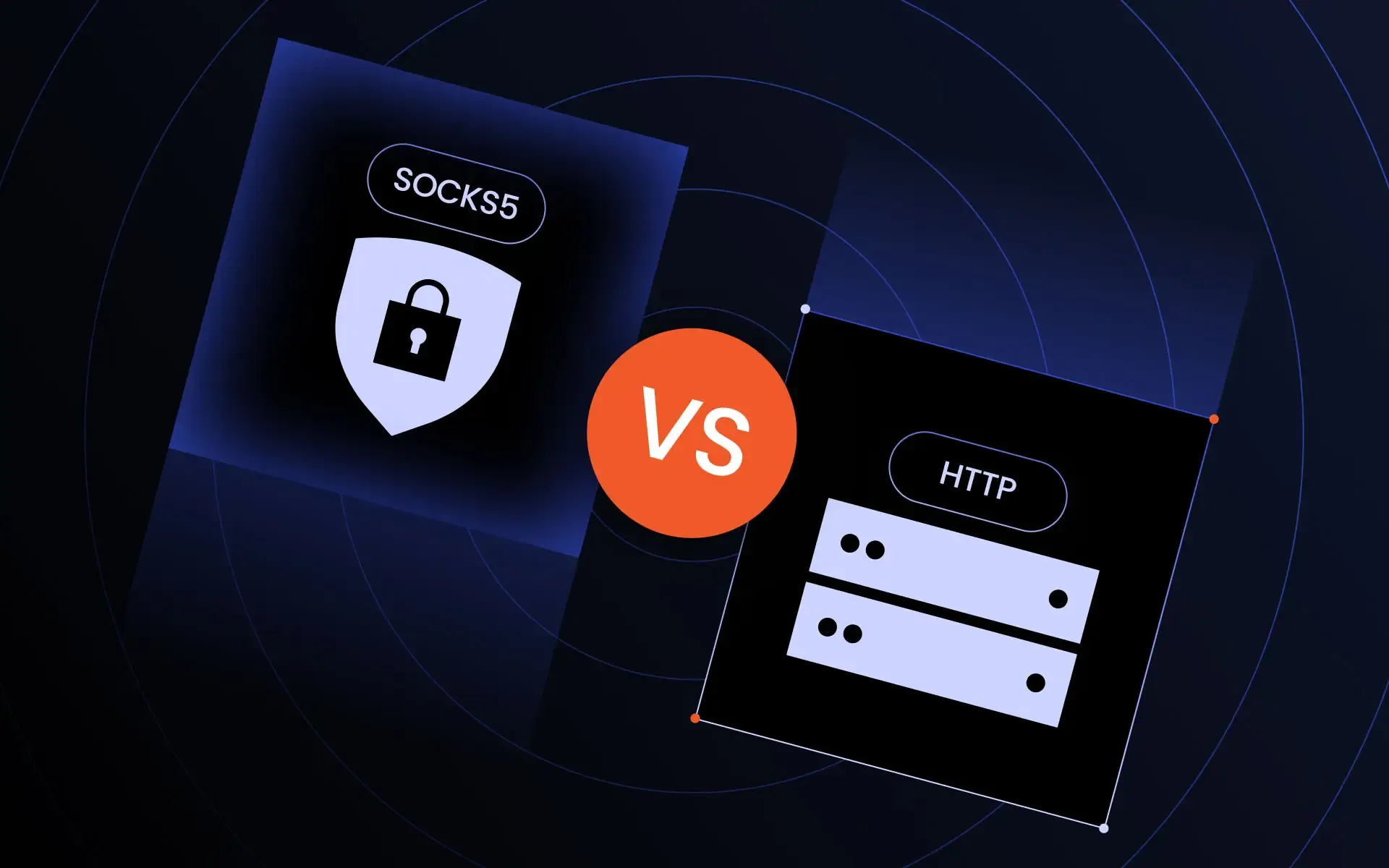
SOCKS5 vs HTTP proxy: Key differences
Traffic routed through a proxy depends on the type of proxy service in use. Proxies that use HTTP are intended only for HTTP (web) requests, while SOCKS5 forwards network traffic on a lower-level basis.
This difference affects the speed, security, success rate of scraping and CAPTCHA processing, and compatibility.
Request handling
The HTTP proxy can interpret HTTP requests. It understands GET and POST methods, and can interpret headers. Thus, it is used extensively for scraping information like product pages, search results, prices, and any other website data that is publicly available.
SOCKS5 works differently from HTTP proxies; it opens up a tunnel for the traffic to pass through. Thus, SOCKS5 works well for general traffic passing and is not much use where there is request-level activity.
Rotation compatibility
Usually, it is the easiest kind to work into a scraping tool. Rotation endpoints, sticky sessions, geoproxying, and changing IP automatically via credentials are all offered by numerous providers.
SOCKS5 can also support rotation; however, whether your proxies provider and/or software support this will vary. Some applications work well with rotating IPs, while others may require special settings or configuration to allow their use.
When sending many requests to the same website, we often find that HTTP proxies are easier to manage than SOCKS5.
CAPTCHA avoidance
No proxy type can ensure bypassing CAPTCHA systems. The CAPTCHA prompts rely on the reputation of IP address, request frequency, fingerprinting, behavior analysis, and protection of the site itself.
However, HTTP proxies tend to perform better for web scraping as they can easily integrate with legitimate browser sessions, headers, and cookies. In combination with residential/mobile proxies, they make data transfer look more natural.
SOCKS5 can still work, but it does not solve fingerprinting problems by itself.
Browser automation
Browser automation tools usually favor HTTP proxies. Selenium, Playwright, Puppeteer, and anti-detect web browsers accept them with simple launch arguments or profile settings.
SOCKS5 protocol can also be used in many automation tools, but setup may be less predictable. Some tools support it directly. Others require extensions or special flags.
For most website testing and scraping, HTTP proxies are easier to use.
Headless browsers
Headless browsers behave like normal browsers but run without a visible interface. They are common in scraping, monitoring, QA testing, and automated logins.
HTTP proxies fit headless browsers well because they suit the generated traffic and work with sessions, user agents, cookies, and retries.
SOCKS5 is better when your headless setup needs broad protocol support, but that is less common in standard scraping.
SOCKS5 vs HTTP proxy for different use cases
There is no universal winner in the SOCKS5 vs HTTP proxy debate.
Protocol layer
Application layer, built for web requests
Lower-level tunneling for different traffic types
Speed
Often fast for websites and scraping
Can be fast because it does less request processing
Encryption
Not automatic; HTTPS traffic is encrypted by the site
Not automatic; depends on the app or website
Authentication
Commonly username and password
No-auth and username/password are common
UDP support
Not suitable for most UDP apps
Supported in compatible setups
Browser compatibility
Strong support in most web browsers
Supported in some web browsers, but setup may vary
Best for web scraping
Usually the better choice
Useful in some cases, but less web-aware
Best for gaming
Only works with browser-based games
Better fit for games that support proxy use
Best for streaming
Good for browser streaming
Good for app-based streaming tools
Best for torrenting
Not supported
Supported by most torrent clients
Best for SEO monitoring
Strong choice for rankings and SERP checks
Possible, but less common
Best for automation
Strong choice for browser automation
Useful for non-browser automation
Best for browsing
Best for regular website browsing
Good when app-level SOCKS support is available
As a quick reference:
- For web scraping, HTTP proxies are usually the safer default. They match how websites receive traffic and integrate well with scraping frameworks.
- For gaming, torrenting, or apps that need UDP, SOCKS5 often makes more sense. It works with traffic types that HTTP proxies were not designed to handle.
- For streaming, the answer depends on the client. Browser-based streaming usually works better with HTTP proxies, while app-based tools may work better with SOCKS5.
- For SEO monitoring and automation, HTTP proxies are preferred because rank trackers, SERP scrapers, and headless browsers mostly send website requests.
If you need anonymous proxies for regular browsing, either type can hide your original IP address. However, HTTP proxies are easier to configure in most browsers, while SOCKS5 is better for greater app support.
Pick the right proxy protocol for web scraping in 2026
Start scrapingCommon mistakes when choosing proxy types
The wrong proxy type can cause slow performance, leaks, or unnecessary blocks.
Using HTTP for UDP apps
HTTP proxies are not built for UDP-based apps. If your tool depends on that traffic, they may cause connection errors.
For these apps, SOCKS5 is normally the better fit. Always check whether the app supports SOCKS5 before buying a plan.
Ignoring DNS leaks
A DNS leak happens when your device resolves domains outside the proxy path. This can expose your real network.
With SOCKS5, look for remote DNS options in your app. With HTTP proxies, make sure your browser, scraper, or automation tool uses the configured proxy server.
DNS behavior matters for privacy, testing, and geo-targeted scraping.
Choosing based only on speed
Speed is important but it’s not everything. Bad IP reputation will cause blocks, even with a fast proxy. A slower one might work better if authenticity is important.
Compare HTTP proxies and SOCKS5 proxies – check protocol support, location coverage, uptime, session control, and IP reputation.
The best proxy is not necessarily the fastest one. It's the one that does the job every time.
Using shared proxies for scraping
Shared proxies are cheaper, but risky for professional workflows. Other users may have abused the same IPs, resulting in more CAPTCHA prompts or bans.
For stable scraping, dedicated datacenter proxies, residential proxies, ISP proxies, or mobile proxies are often better. Use HTTP proxies when your scraper works mainly with websites.
Shared SOCKS5 can also suffer from reputation problems, especially for torrenting, gaming, or account-based tasks.
FAQ
What is the difference between SOCKS5 and HTTP proxy?
HTTP proxies handle website traffic and understand HTTP requests. SOCKS5 forwards traffic at a lower level and can support more apps, including tools that need TCP or UDP.
Should I use SOCKS5 or HTTPS proxies?
Use HTTPS proxies for browsing, scraping, and browser automation. Use SOCKS5 for apps that need broader protocol support, such as torrent clients, games, or non-browser tools.
Is SOCKS5 faster than HTTP proxy?
Yes, slightly. SOCKS5 is faster because it does not modify traffic. In practice, speed depends more on proxy quality, routing, server load, distance, and IP type.
Is SOCKS5 better for scraping?
Usually, no. HTTP proxies are often better for scraping because they work well with web requests, headers, sessions, cookies, and headless browsers.
Are HTTP proxies secure?
They can be secure when used with HTTPS websites and a trustworthy provider. Plain HTTP traffic is not encrypted, so avoid sending sensitive data over it.