Key takeaways:
- IPFighter is an all-in-one proxy platform to efficiently manage large proxy lists, optimize bandwidth, boost speed, and protect multiple accounts.
- Main features include proxy sharing manager, IPChange detection, bandwidth saving, and IP checker.
- IPFighter can be used for free by installing the software on a Windows PC or Linux.
With new proxy providers opening left and right, it's getting difficult to know who you can trust. One of the best ways to ensure your proxy quality is to use a third-party tool to check the IP score of your proxy pool.
That's exactly what IPFighter offers, and the tool is gaining popularity among proxy users more than ever. Before jumping into their paid subscription, review IPFighter's features for IP quality detection, proxy boosting, and management.
What is IPFighter?
IPFighter is an all-in-one proxy management tool designed for proxy users who need to efficiently manage large IP lists and ensure their quality. With its various features, IPFighter protects users from inconsistent or low-quality proxy providers. According to the developers, their tools can save up to 90% on proxy purchasing costs.
The main customers of IPFighter consist of experienced proxy users who manage large IP lists and need to ensure their quality. If you're using proxies for web scraping, multi-accounting, automating web tasks, or other advanced proxy setups, this tool is for you.
Traditional proxy managers often come in the form of browser extensions and only manage IPs. IPFighter is a desktop application for Windows and Ubuntu servers. It has many more unique features that can help you not only manage proxy IPs, but also measure proxy quality and increase their efficiency.
IPFighter key features & benefits
- Bandwidth saving and increased speed. IPFighter uses bypass mechanisms, such as its advanced SmartCache AI, to avoid certain domains while using proxies. This ensures that your requests travel faster and save you money on bandwidth.
- Proxy Manager and rotation. Manage large numbers of proxies with easy bulk imports, tags, expiration dates, custom rules, rotation, and other features. The Proxy Manager dashboard supports all proxy providers to show the essential information in one place.
- IPv6 Infinity. If you need IPv6 IP addresses, IPFighter allows you to create unlimited IPv6 IP addresses with your own connection. You only need a dynamic IP internet plan and a device that supports IPv6 IPs.
- Proxy sharing. LAN proxy sharing in IPFighter allows you to share the same proxy IPs with devices on the same network. This means that you can route your proxy connection to smartphones, TVs, and all other devices on the same network.
- IPChange detection. Due to the provider’s or ISPs' fault, your proxy might suddenly change region for a short time. This can be a concern in some advanced use cases, so the IPChange detection feature is helpful to check for them.
- IP leak tests. IPFighter can help you test for exposed IP risks through your DNS requests or browser WebRTC connections. It's a fast and realizable way to ensure your privacy while using a proxy or VPN.
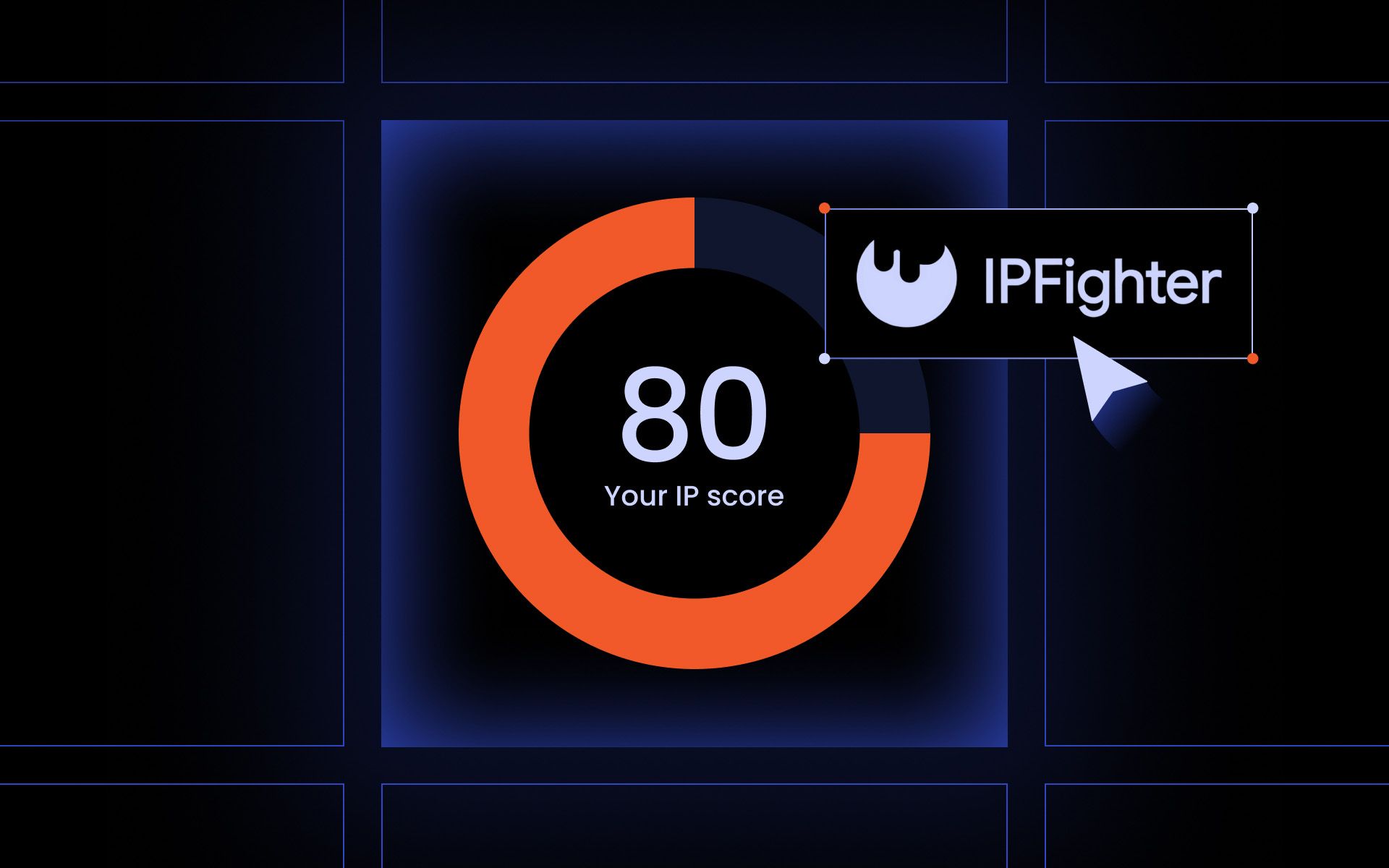
- IP and proxy checker. You can simply visit the IPFighter website, and it will tell you the main info about your current IP address. Similarly, a proxy checker allows you to measure proxy quality by entering the credentials. It then gives a proxy score based on blacklist status and other IP health measures.
How to use IPFighter
Getting started with IPFighter is as easy as downloading the software and creating a free account. After completing the installation, the app will prompt you to create and verify a free account. Your dashboard will be empty at first, since you need to add your proxy IPs to start using IPFighter.
- Click on Add Proxy in the Proxy Manager section.
- Select your proxy connection type.
- Enter proxy credentials (Host:Port:Username:Password) in the proxy information field.
- Additionally, add notes, tags, and the end date.
- Click Add.
You can add multiple proxies using such a process and later check the proxy quality status, add, edit, or delete them in the dashboard. In the Rules tab in Settings, you can manually customize the SmartCache for saving bandwidth and boosting speed.
- Non-proxy list allows you to add websites where you want your proxies to be disabled.
- Primary proxy allowlists are helpful if you want your proxies to only access a handful of select websites.
- Block list allows you to blacklist certain websites from connecting to in any scenario.
In some real-world scenarios, you'll need only one of these features to set up and monitor your proxy quality. Managing multiple Gmail accounts, for example, will require you to add your proxy IPs to IPFighter and define a block list or simply have a primary allow list.
Web scraping might require a more complex allowlist or blocklist since the bot may access many more links. You will also need custom rules for IP rotation and constant monitoring of IP score and blacklist status of proxies.
Pros & cons of IPFighter
Pros
- Well-designed user interface.
- Smart proxy rotation and IP scoring.
- Unlimited IPv6 generation.
Cons
- Limited documentation for some advanced features.
- It might be overkill for basic proxy use.
IPFighter vs alternatives
IPFighter is a unique tool in that the whole package of features it offers isn't completely covered by any other tool. Yet, it's quite unlikely that you need all of the features it offers. If some are more important than others, check the alternatives below.
- Proxifier is a desktop proxy management software that stands out with routing and advanced proxy rule-setting features. Compared to IPFighter, it lacks proxy scoring and IP detection features.
- Antidetect browsers, such as Multilogin or Dolphin Anty, also have IP management features and can check IP quality. They are great for marketing and similar use cases, but once you start working with large lists of IPs, IPFighter gets more convenient.
- Browser extensions, like Proxy SwitchyOmega and FoxyProxy, are great for rule-based proxy switching and IP rotation when you need it quickly. For more advanced setups, IPFighter is undeniably better.
- Various IP and blacklist checkers, such as our own IP lookup tool, can give some basic information about the quality of your proxy IPs. There are some more advanced tools, but IPFighter stands out as bundled into a desktop application with IP management as well.
IPFighter pricing & value breakdown
IPFighter comes with a basic free plan that will allow you to add your proxy lists, check IP score, and perform some basic bandwidth optimization tasks. More advanced IP management features will require you to purchase one of the paid plans.
- The advanced plan currently costs $5 per month and, together with all free features, also includes IPV6 generation, bandwidth saving features, data syncing to the server, IP change detection, and all custom rules.
- Premium plan costs $15 per month and, in addition to all advanced plan features, gives you ten times more bandwidth saving and data syncing to servers.
- Add-ons are paid for separately and do not come with either of the plans. Expanded features of IPv6 Infinity and bandwidth sharing cost additionally, depending on your needs. If you want to add more devices, each one will also cost.
The closest competitor is Proxifier, which gives its license perpetually after a one-time payment of $39.95. While this seems much cheaper, you won't be able to use any cloud services or check IPs that IPFighter provides. The choice ultimately rests on whether you need them.
Conclusion
Alternative tools might be better if you use only quality proxy providers and don't switch between different proxies often. MarsProxies can ensure a stable proxy score for all your projects, although additional IPFighter features for proxy management might still be useful.
Does IPFighter support mobile devices like iOS or Android?
IPFighter is primarily a desktop app for Windows devices. Once set up, it has a workaround to help you use proxies on Android and iOS devices with its Proxy Sharing feature. You can use the proxy manager on your desktop computer, then share the proxy connection with mobile devices on the same network.
Can IPFighter be integrated with anti-detect browsers?
Yes, IPFighter can be integrated with the most common anti-detect browsers. It partners and is tested with Dolphin ant, BitBrowser, DICLoak, Linken Sphere, and Lauth. The IP management should work with others as well, since the entering of proxy credentials (IP, port, username, password) is standardized.
Does IPFighter leak your real IP under any conditions?
IPFighter is just a proxy IP management and checking tool, so it cannot leak your IP address itself. It can help you detect DNS IP leaks and WebRTC exposed connections, but it does not inherently leak IPs or prevent them fully. IP leaks typically occur due to vulnerabilities in proxy, VPN, or anti-detect browser setups.
Is there a free trial or free plan available for IPFighter?
Yes, IPFighter offers a free basic plan that's capable of meeting the needs of most small use cases. It includes Proxy speed boosting, proxy manager, SmartCache AI, IPv6 Basic, Proxy sharing, and some other features.
Does IPFighter provide an API for automation or custom setups?
There is no IPFighter API to implement in your custom setups or automation workflows. You'll need to manually export proxy lists and input them into the software, as well as update proxy configurations. On the bright side, the dashboard is quite convenient, and the proxy manager can remember your lists.